
Comarch Mobile Management
Discover the benefits
Comarch Mobile Management is an application intended for sales directors and managers, which enables efficient management of mobile employees via any device and from any place by:
• Quickly scheduling, rescheduling, confirming, and rejecting the tasks of employees
• Optimizing routes when scheduling tasks
• Previewing the tasks completed by employees in Comarch Mobile Sales
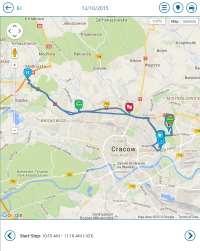
• Checking the current location of employees and analyzing the registered routes
• Adding and editing tags (work statuses), which are necessary to report the performance of employees
• Smooth communication with employees and sending urgent messages
• Managing regions, employees, and customers
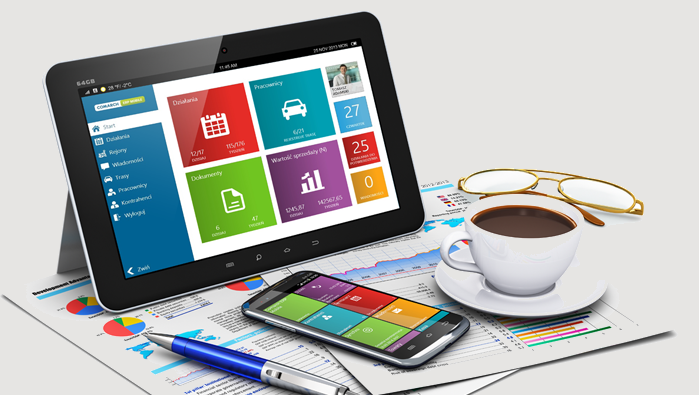
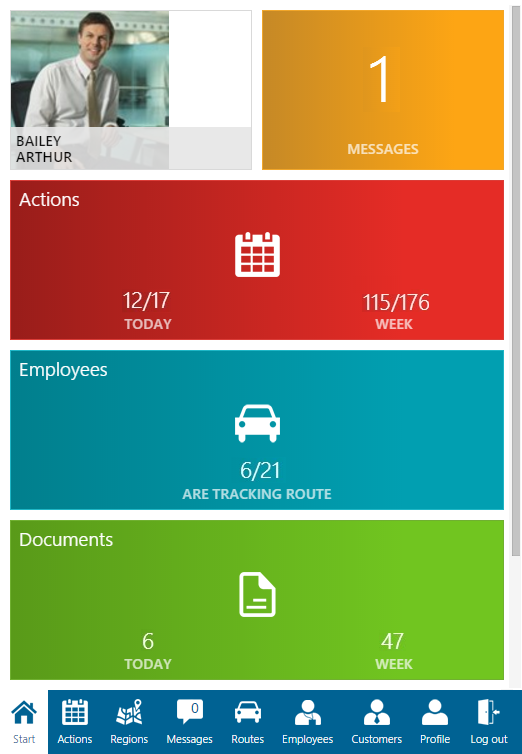
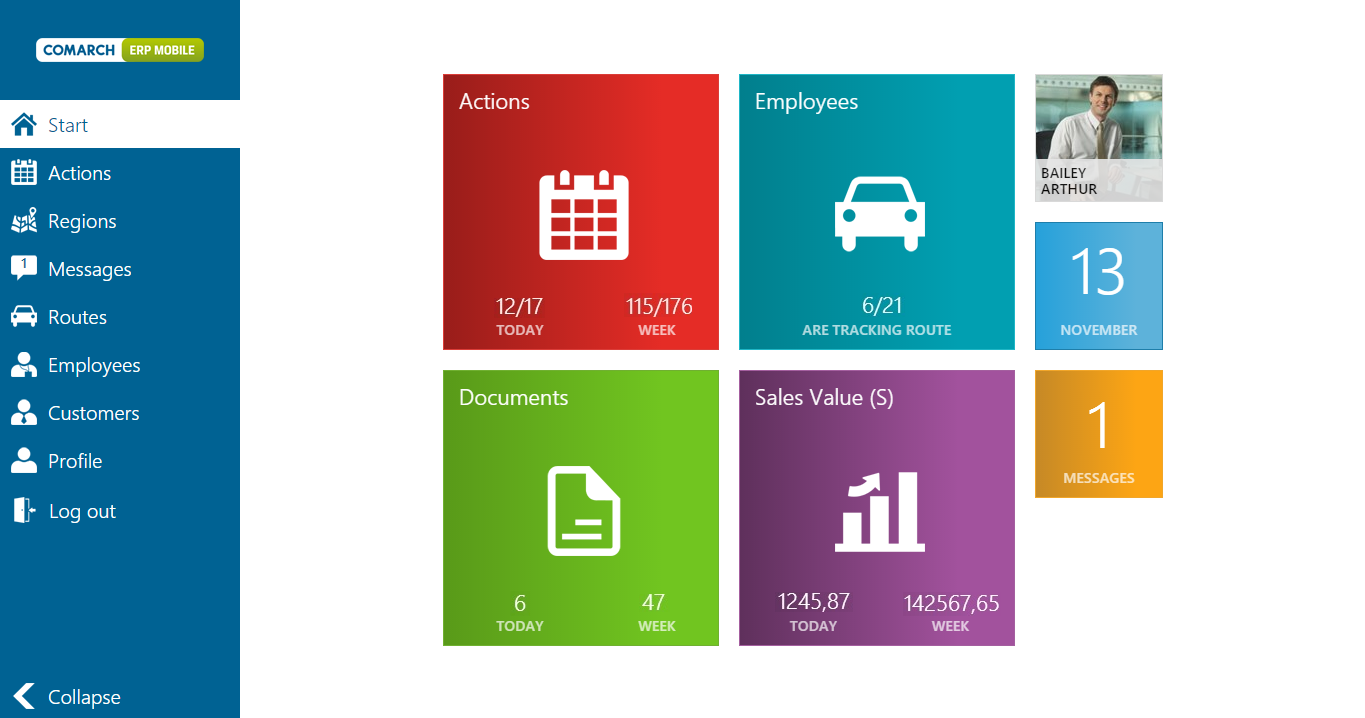
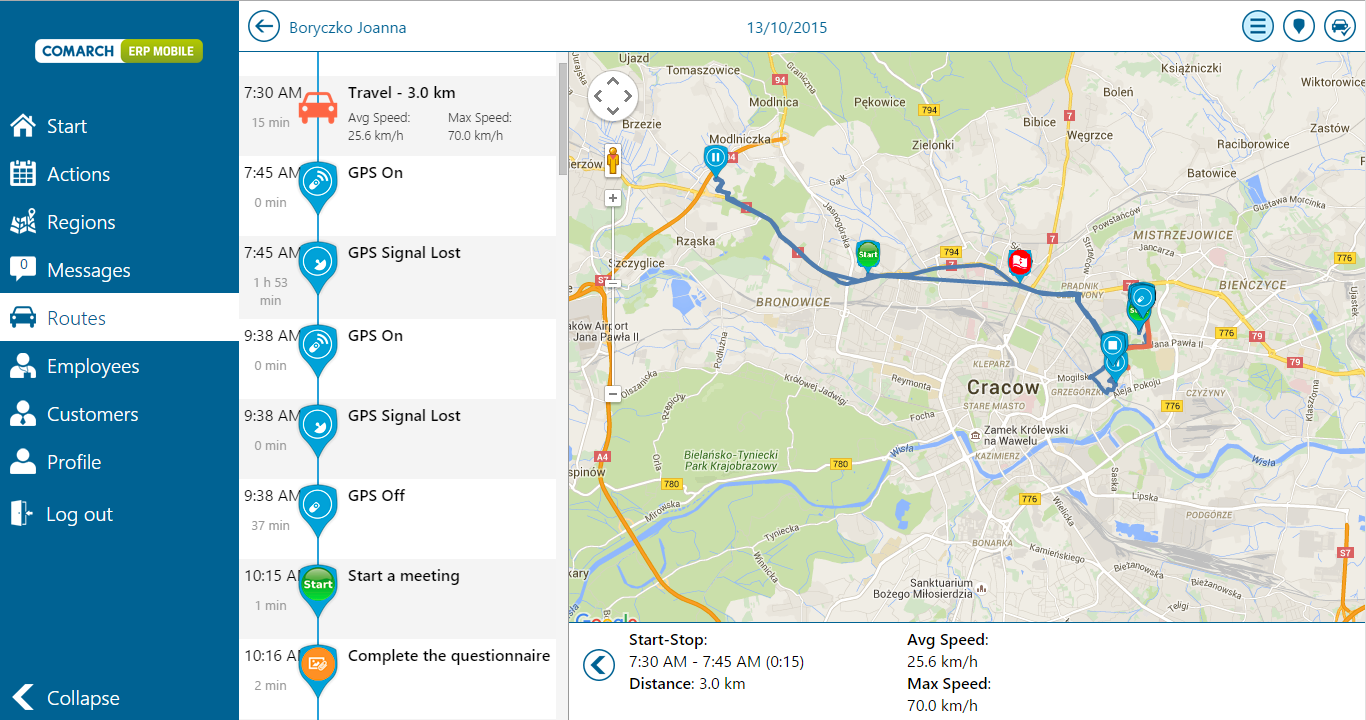

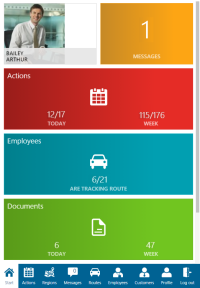
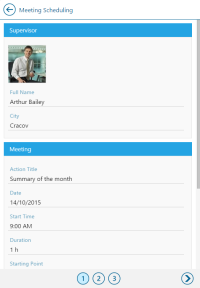
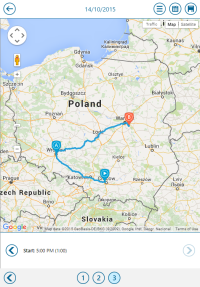
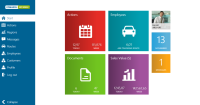
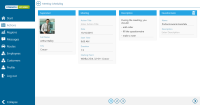
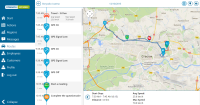
Owing to Responsive Web Design concept, the application’s web pages adjust automatically to screen size, which makes the application transparent and convenient for its users on every device, such as a smartphone, tablet or PC.

Tracking
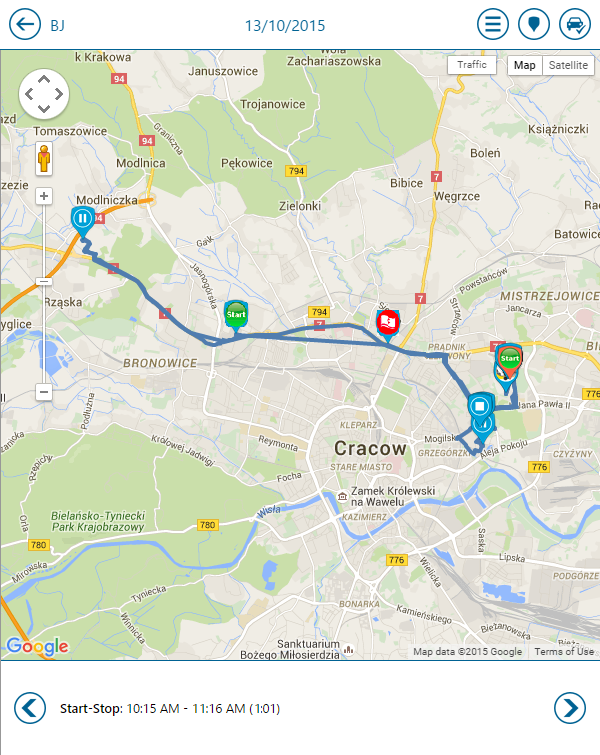
It is important to maintain easy communication between “in the field” employees and their co-workers in their standard workplace. From the management staff’s point of view, on the other hand, it is essential to be able to track the current location of employees and the routes they have traveled and registered in Comarch Mobile Sales.
Via a web browser, managers directly responsible for given employees may conveniently:
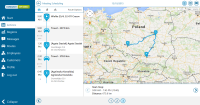
• Keep track of the current positions of employees from a map perspective
• Check whether the routes were planned and traveled optimally,
• Define individual work statuses, which are necessary to report the performance of employees
• Check the GPS positions in which employees, performed certain operations, such as starting work or confirming an order from Comarch Mobile Sales
• Send urgent messages to their employees

Optimally scheduled workday
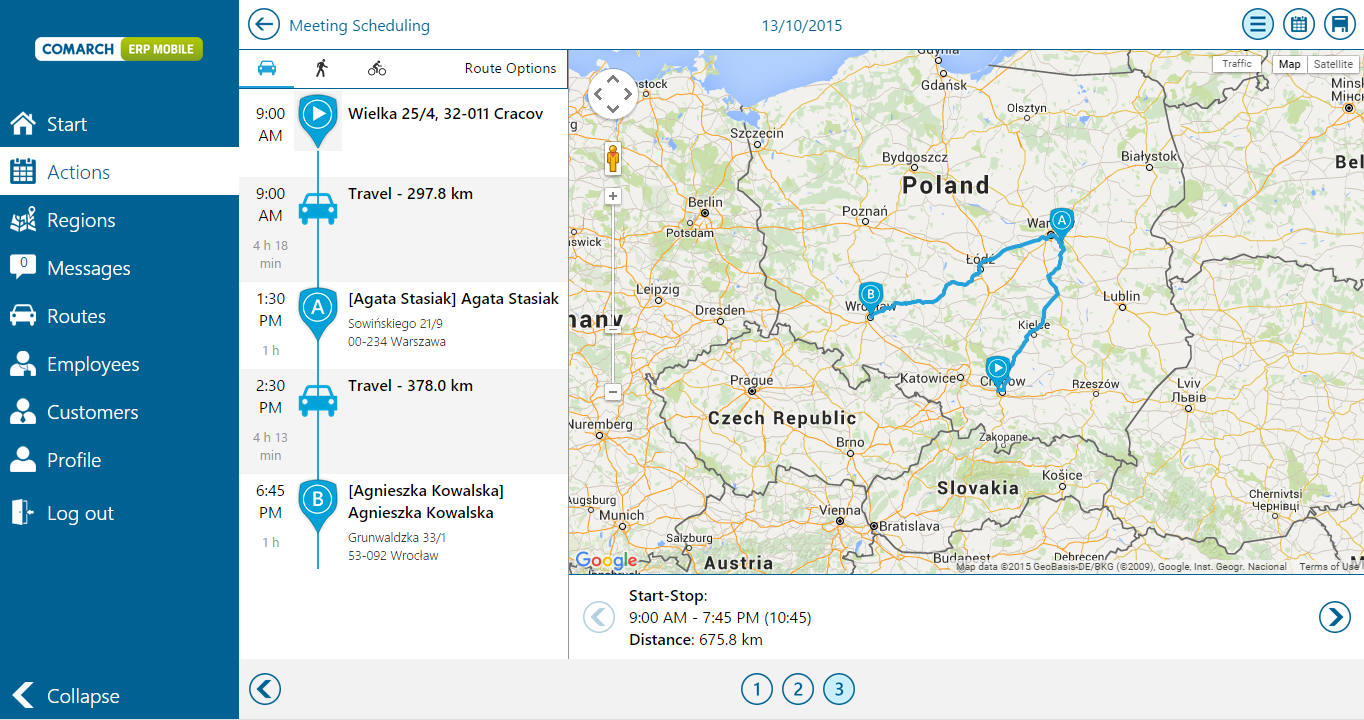
When scheduling tasks for employees, a manager may take into account the most optimal route and travel time. It is additionally possible to view traffic volume, which will also streamline task scheduling.
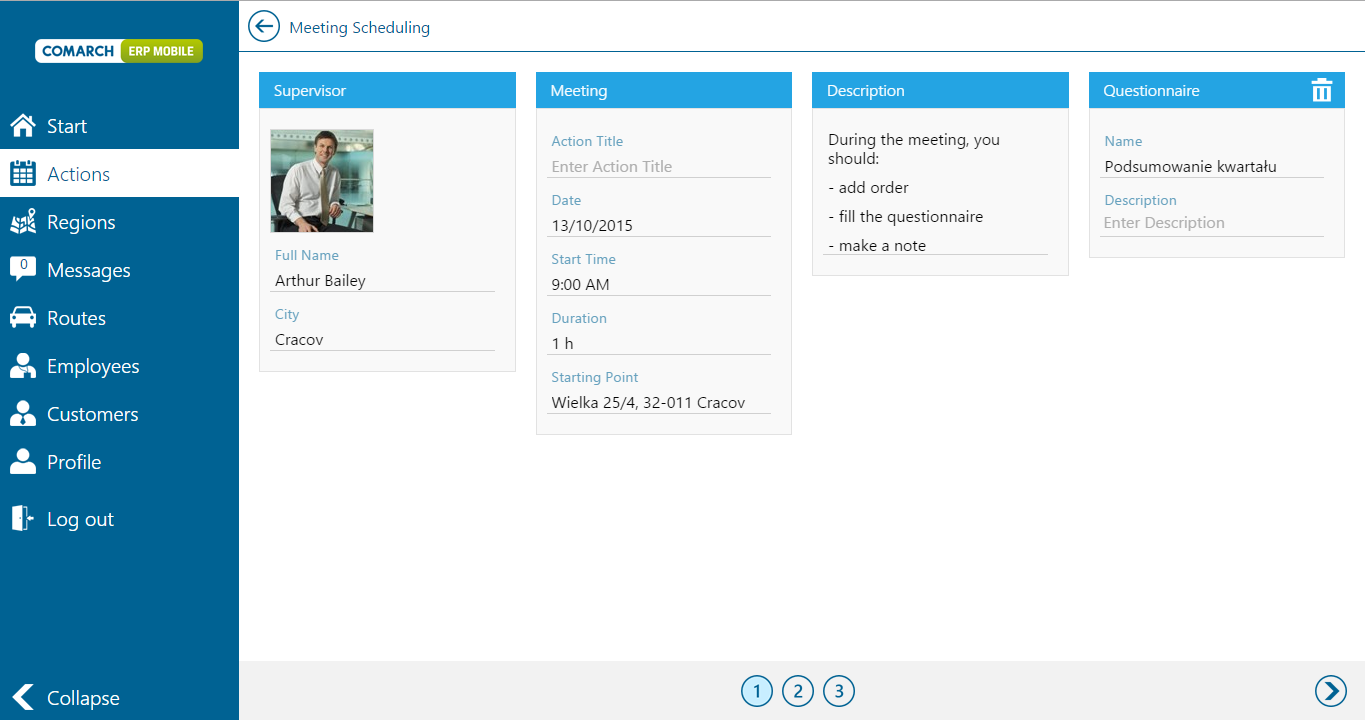
Schedule the optimal workday in three steps
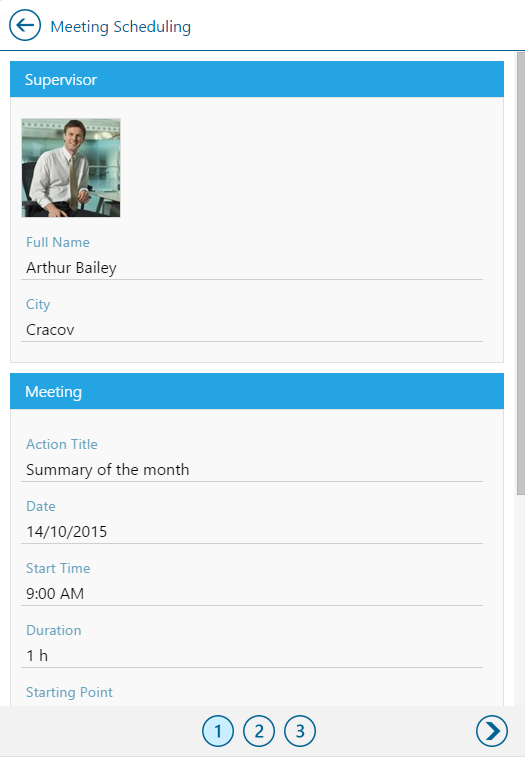
1. Specify the task you want to schedule and indicate its starting point
2. Determine the customers an employee should visit
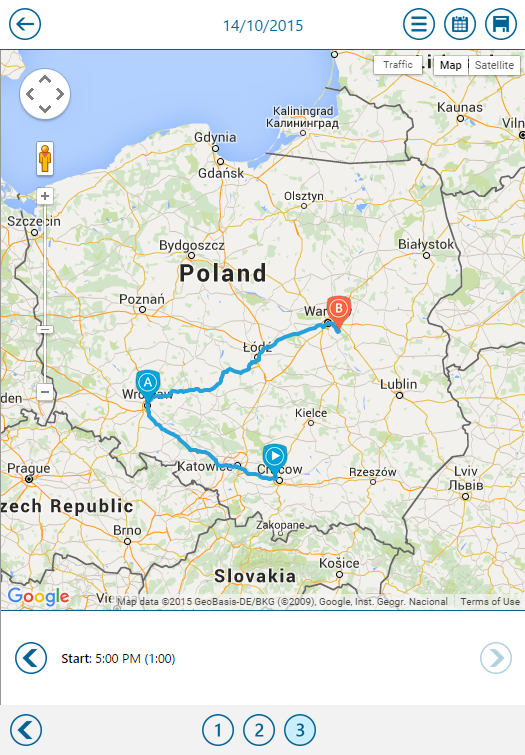
3. The system will plan the optimal route and show this on a map
With the help of the route optimization feature, a manager may schedule tasks for all employees they are responsible for. However, an employee, who registers their traveled routes every day may also schedule their own optimal workday in a similar way.
