
Comarch Financial Services


















Why Comarch Financial Services Stands Out in the Global Finance & IT Market
Comarch Financial Services is a business sector of the Comarch Capital Group. 20 years ago, the sector was run by just a few people who aimed high. Today, with unchanged attitude and thousands of projects completed all over the world, Comarch Financial Services stands out among the most successful IT system and financial software developers.
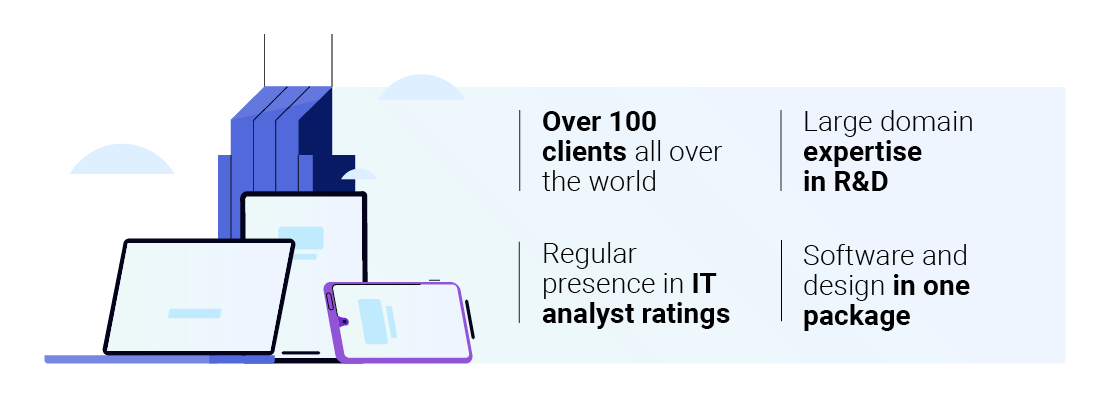
What distinguishes us from competitors is a constant drive for improvement. Our numbers speak for themselves: we cater to more than 100 clients, process 2 million new insurance policies a month, and boast regular presence in IT analyst ratings – from IDC to Gartner.
By keeping close tabs on business challenges of the finance world, we learn and grow each day. We do believe good financial software can make an impactful difference for any business enterprise.
Our systems such as Comarch Corporate Banking, Comarch Identity & Access Management or Comarch Transaction Protection ensure better process management, state-of-the-art security and greater profitability.

Banks

Insurers

Capital groups

Mutual & pension funds

Brokerage houses


Financial management software
Banking
In the Banking division, we pay particular attention to our products meeting the highest standards of functionality, convenience, reliability, and safety. Bank clients require an optimization of procedures and data flow in order to make business decisions more easily and effectively. All that and more is possible with Comarch Corporate Banking (CCB), a digital business banking system for corporations. Its modular structure allows the administration of a wide range of products and services, from liquidity management through trade finance. CCB’s twin solution is Comarch SME Banking, a digital banking system for small and medium enterprises, enabling the integration of external suppliers and fintech in order to easily generate an integrated ecosystem of services for entrepreneurs.
If a modernization of the loan process is necessary, Comarch Loan Origination (CLO) is here to help. The platform is both automated and manageable manually, which enables a complex and personalized approach to every customer. Comarch Wealth Management (CWM), on the other hand, is an excellent tool for finance counseling and overseeing of wealthy customers’ assets.

Insurance
In the Insurance division, we keep pace with the ever-changing legal and business landscapes through persistent development of our IT systems. The job of an insurance agent should be assisted by a platform that completely digitizes pre- and after-sale customer service – such as Comarch Digital Insurance. It facilitates easy access to the full offer and documentation and enables omnichannel operations for end customers.
For fulfilling both front- and back-office duties, we have created Comarch Life Insurance and Comarch Non-Life Insurance, systems that support both life and non-life covers. These solutions simplify product definition, policy and finance management, report creation, and risk assessment. The last activity can be comprehensively assisted by Comarch Insurance Underwriting. The platform makes automatic risk assessments, which can later be manually verified by an underwriter. In the process of claim handling, Comarch Insurance Claims is irreplaceable; the system optimizes the procedure of claim registration, cost calculation, decision making, and due payment.
The mobile process of claim settlement can be upgraded with Comarch Field Service Management. All in all, the entire insurance company can be excellently supervised with Comarch Commission & Incentive, which is a system created to manage a company’s incentive pay and commission policy. It integrates all sales network data and allows an intelligent distribution of workforce inside the organization.

-
Comarch and Alliance Bank Win Big at The Global Mass Affluent Wealth Awards 2026
Comarch and Alliance Bank Malaysia Berhad have achieved a major milestone at The Global Mass Affluent Wealth Awards 2026, organised by The Digital Banker. The strategic partnership between the two institutions was recognised with three prestigious awards, underscoring their leadership in financial technology and digital transformation within the wealth management sector.
-
Comarch Wins the "Innovation Excellence Award" at UNCHAIN Festival 2026, Boosting its Corporate Banking Presence in the CEE Region
We are proud to announce that Comarch has been officially honored with the prestigious "Innovation Excellence Award" at this year's UNCHAIN Festival 2026. This recognition comes at a perfect time, aligning with the execution of our intensified growth strategy across key regional markets, with a particular focus on the corporate banking sector.
-
Comarch Wealth Management in Forrester’s “The Digital Wealth Management Platforms Landscape, Q2 2026” Report
We are proud to announce that our flagship system, Comarch Wealth Management, has once again been included by the independent research firm Forrester in its latest report, The Digital Wealth Management Platforms Landscape, Q2 2026, published on June 9, 2026.







Please wait